Every live channel you watch on tooviewers starts life as a raw video signal that has to be squeezed, packaged and sent across the internet before it reaches your TV. The device that does that work is called an IPTV encoder. This guide explains, in plain English, what an encoder does, the steps it follows and why it matters for the picture you see at home.
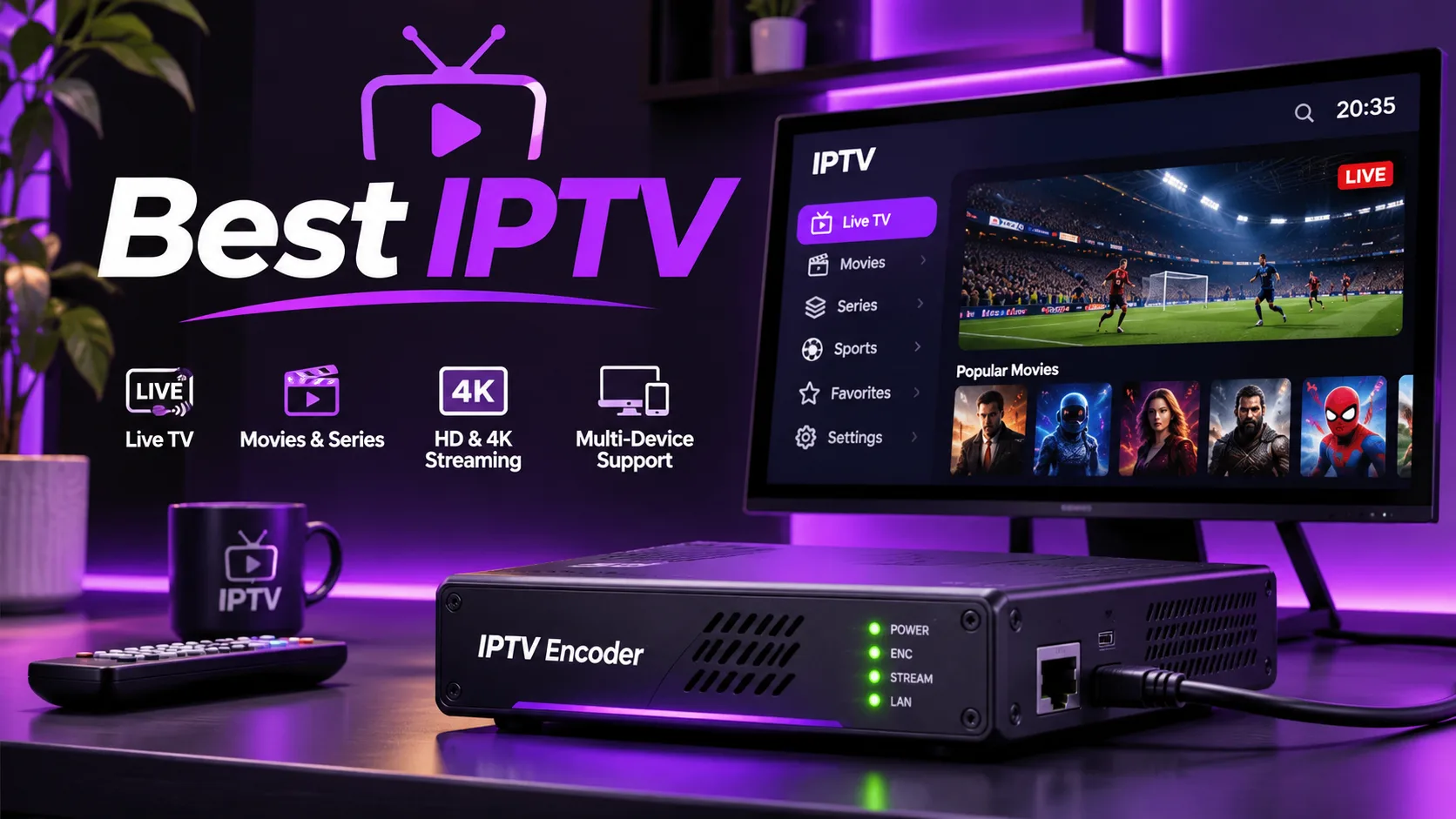
What Is an IPTV Encoder?
An IPTV encoder is hardware or software that takes a video source, such as a satellite receiver, camera, games console or cable box, and turns it into a compressed digital stream that can travel over a network. Without encoding, a single HD channel would need far more bandwidth than a home connection can handle. Encoders shrink that data while keeping the picture sharp, then deliver it in a format player apps understand.
The Short Answer
An encoder captures a signal, compresses the video and audio, packages them together and sends the result as small data packets. On the other end, a player app on your device reassembles and decodes those packets back into moving pictures and sound.
The 7 Stages of Encoding
1. Capturing the Input
The encoder receives video through an input such as HDMI, SDI or a network feed. It locks onto the signal and starts reading each frame as it arrives.
2. Preparing the Frames
Frames are converted into a consistent digital format. The encoder may scale the resolution, adjust the frame rate or remove interlacing so the picture looks clean on modern screens.
3. Compressing the Video
This is the heavy lifting. Codecs such as H.264 (AVC) and H.265 (HEVC) remove information the eye will not miss and store only the changes between frames. HEVC can deliver similar quality to H.264 at roughly half the bitrate, which is why it is popular for 4K.
4. Compressing the Audio
Sound is compressed separately with codecs such as AAC or AC-3, keeping speech clear and stadium atmosphere intact while using little bandwidth.
5. Packaging Into a Container
Video and audio are combined into a container, commonly MPEG-TS for live broadcasting, along with timing data that keeps lips and voices in sync.
6. Splitting Into Network Packets
The container is cut into small packets that can travel across routers and switches. Each packet carries information so it can be put back in the right order.
7. Delivering and Decoding
Packets are sent using a streaming protocol. Your device’s player app collects them, rebuilds the stream and decodes it for your screen, usually within a couple of seconds.
Streaming Protocols in Brief
| Protocol | Typical use |
|---|---|
| UDP / RTP multicast | Hotels, campuses and local networks where one stream feeds many TVs |
| HLS | Internet streaming to phones, browsers and smart TVs |
| RTMP | Sending a stream to a server or platform for distribution |
| SRT | Reliable contribution over the public internet with low delay |
Multicast or Unicast?
Multicast sends one stream that many viewers on the same network share, which saves bandwidth in a hotel or office. Unicast sends a separate stream to each viewer, which is how internet services such as tooviewers deliver channels to individual homes.
Settings That Shape Picture Quality
- Bitrate: more data per second means more detail, but needs more bandwidth.
- Resolution and frame rate: 1080p at 50 or 60 frames per second suits fast sport.
- Codec: HEVC saves bandwidth; H.264 offers the widest device support.
- GOP length: shorter groups of pictures make channel switching faster.
- Latency mode: low-latency settings reduce delay for live events.
Hardware vs Software Encoders
Hardware encoders are dedicated boxes built for reliability and many channels at once, which is why broadcasters and hotels prefer them. Software encoders run on a computer and are flexible and inexpensive, making them popular with small events and content creators. Single-channel units handle one source, while multi-channel models can process dozens of feeds in one chassis.
Where Encoders Are Used
- Hotels: distributing a full channel line-up to every room over the existing network.
- Sports bars: showing different matches on different screens from one system.
- Churches and events: streaming services or conferences to remote viewers.
- Schools and offices: sharing lectures, announcements and news channels internally.
Common Problems and Their Causes
- Blocky picture: the bitrate is too low for the amount of motion.
- Stuttering: network congestion or packet loss between encoder and viewer.
- Audio out of sync: incorrect timing settings or an overloaded encoder.
- Long delay: large buffers or long GOP settings.
If you see buffering on tooviewers at home, the cause is usually your local connection rather than encoding. A wired connection and a router restart fix most cases, and our support team can help with the rest.
A Note on Legal Use
Encoders are standard broadcast tools. Anyone using one to redistribute channels should make sure they hold the rights or licences to the content they stream.
Frequently Asked Questions
Does an encoder need the internet?
Not always. Many encoders stream only inside a local network. Internet access is needed only when viewers are outside that network.
How much delay does encoding add?
Typically between a fraction of a second and a few seconds, depending on the codec, settings and protocol.
Is an encoder the same as a decoder?
No. The encoder compresses and sends; the decoder, often the player app on your TV or phone, receives and plays.
Why should viewers care how encoding works?
Because it explains picture quality. Good encoding is one reason tooviewers channels look sharp while still streaming smoothly on normal home connections.
Final Thoughts
Encoding is the invisible step that makes live TV over the internet possible. Now that you know how it works, you can judge streaming quality with a more expert eye. Ready to see it for yourself? Explore the tooviewers plans or read our guide on choosing a streaming subscription.